A monitor that sits too low is one of the most common reasons people end up hunched over a laptop or craning their neck by the end of the day. The fix is usually free or cheap. Here's how high your screen should be, how far away, and how to get it there.
How high should your monitor be?
The usual guidance, including from the US Occupational Safety and Health Administration (OSHA), is that the top line of the screen should be at or slightly below eye level. When you look straight ahead, your eyes should land near the top of the screen, and you'll naturally look slightly down at the middle of it.
A quick way to check: sit back in your chair in your normal working position and look straight ahead. If you're looking at the wall above the monitor, it's too low. If you're looking at the middle of the screen or lower, it's about right or slightly high.
How far away should it be?
Aim for about an arm's length, roughly 20 to 30 inches (50 to 75 cm) from your eyes. Bigger screens can sit a little further back. If you find yourself leaning in to read text, increase the text size rather than pulling the screen closer.
Tilt and angle
- Tilt the screen back slightly, about 10 to 20 degrees, so it faces your eyes.
- Center it in front of you so you don't twist your neck. If you use one screen most of the time, put that one straight ahead.
- Cut glare by placing the monitor side-on to windows rather than facing them or with them behind it.
Special cases
Bifocals or progressive lenses. People who read through the bottom of their glasses usually need the screen lower, sometimes 1 to 2 inches below the usual height, and tilted back more, so they don't tip their head back.
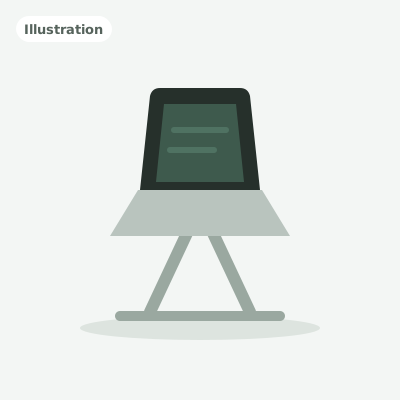
Laptops. A laptop screen is almost always too low. Raise it on a laptop stand so the top of the screen is near eye level, and use a separate keyboard and mouse.
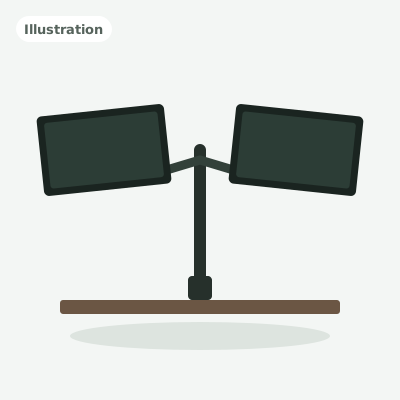
Two monitors. If you use both equally, place them side by side with the seam in front of you, at the same height. See our dual monitor setup guide for the full layout.
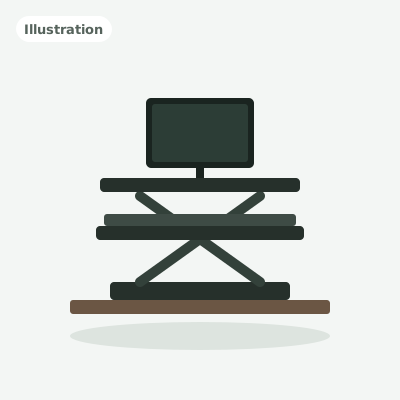
Standing desks. Your eye level rises when you stand, so the monitor needs to rise with you. A desk that lifts the whole surface, or a converter that lifts the screen with the keyboard, keeps the height right in both positions.
How to raise your monitor
- Use the stand's own height adjustment, if it has one. Many stands that come with monitors only tilt, though.
- Add a monitor arm. An arm clamps to the desk and lets you set the exact height, distance and angle, and it frees up desk space. Our monitor arm guide compares the most popular options.
- Use a riser or a stack of books for a quick, free fix while you decide.
Check your whole setup
Monitor height works together with desk and chair height. If your desk is too high, you'll raise your chair to compensate, and that changes where your eyes are. Start with the chair and desk using our standard desk height guide and calculator, then set the monitor last.